Dye sublimation printer vs inkjet has a clear answer for a photo booth: dye sublimation. A dye sub print is dry, sealed and in the guest’s hand within seconds, it costs exactly the same whatever the image, and the printer has no nozzles to clog between bookings. Inkjet wins in the studio, on large formats and fine art papers. At an event, with a queue in front of the booth, it loses on every number that matters.
How Each Technology Puts the Image on Paper
An inkjet sprays liquid ink through rows of microscopic nozzles onto the paper. The ink lands wet and has to dry, and how much ink a print uses depends on the picture: a dark, saturated group shot drinks far more than a pale one.
A dye sublimation printer uses heat. A thermal print head warms a ribbon that carries yellow, magenta and cyan dyes in separate panels. The heat turns the dye into a gas that sinks into the surface of the paper, one colour after another, and a final clear panel lays a protective overcoat over the whole print. Paper and ribbon come together as one kit, matched to the chemistry of one printer family.
That difference in method is what produces every practical difference below.
Speed per Print Is Speed of the Queue
A photo booth lives or dies on throughput. Every second the printer adds is a second the next group waits, and on a busy night those seconds stack into a queue that ends when the guests give up.
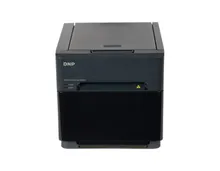
Dedicated dye sub event printers are built for that rhythm. The DNP DS620 prints a 4x6 in around 8.3 seconds and up to 400 prints per hour. The DS-RX1HS takes around 12.4 seconds and up to 290 per hour. Even the compact QW410, at around 19 seconds a print, delivers a finished, cut and sealed photo with no further handling.
An inkjet print is never finished when it leaves the printer. It has to dry before it can be stacked or handed over, and somebody has to manage that.
Dry, Sealed and Ready to Hand Over
This is the reason the industry settled on dye sublimation. The overcoat goes on in the same pass as the colour, so the print comes out touchable, resists fingerprints and survives being passed around a table and slipped into a pocket.
An inkjet print on photo paper smudges if it is touched too early, and an uncoated surface stays vulnerable to moisture and handling. A guest walking away with a wet print in a crowded room is the outcome you are paid to avoid.
There is also the strip. Photo strips in 2x6 are cut by the printer itself from standard 4x6 media: the DS620 turns 400 prints per roll into 800 strips, and the DS-RX1HS turns a box of 1,400 prints into 2,800 strips. No trimming by hand at the end of the night.
Cost per Print You Can Write on a Rate Card
With dye sublimation the cost per print is simple arithmetic: the price of a media box divided by the prints it yields. A DNP DS620 box gives 800 prints at 4x6, a DS-RX1HS box 1,400 and a QW410 box 300. Every one of those prints costs the same, whether it is a black backdrop or a white one.
Inkjet cost depends on coverage. The same print size can cost very different amounts from one image to the next, and partly used cartridges make the true figure hard to track. That makes it difficult to price a package with confidence.
Larger dye sub formats use more ribbon and give fewer prints. On the DS620, 6x8 media yields 200 prints per roll against 400 at 4x6, which is why a 6x8 print has to carry roughly twice the price on your rate card. If you are building packages, set this against what to charge for a photo booth.
Durability of the Finished Print
The protective overcoat is what makes a dye sub print hard wearing in normal handling: it sits over the dyes as a sealed layer instead of leaving pigment on the surface. For a photo that goes into a guest book, onto a fridge or into a frame, that protection does most of the work.
High end pigment inkjet prints on archival paper can last very well when they are framed behind glass and kept from handling. That is a gallery result, and it assumes a level of care a party guest is not going to give a print.
Maintenance, Print Heads and Downtime
Inkjet nozzles dry out when the printer sits unused, and a photo booth printer spends most of the week in a flight case. The result is cleaning cycles, wasted ink and banding on the first prints of the night, which is the worst possible moment to find out.
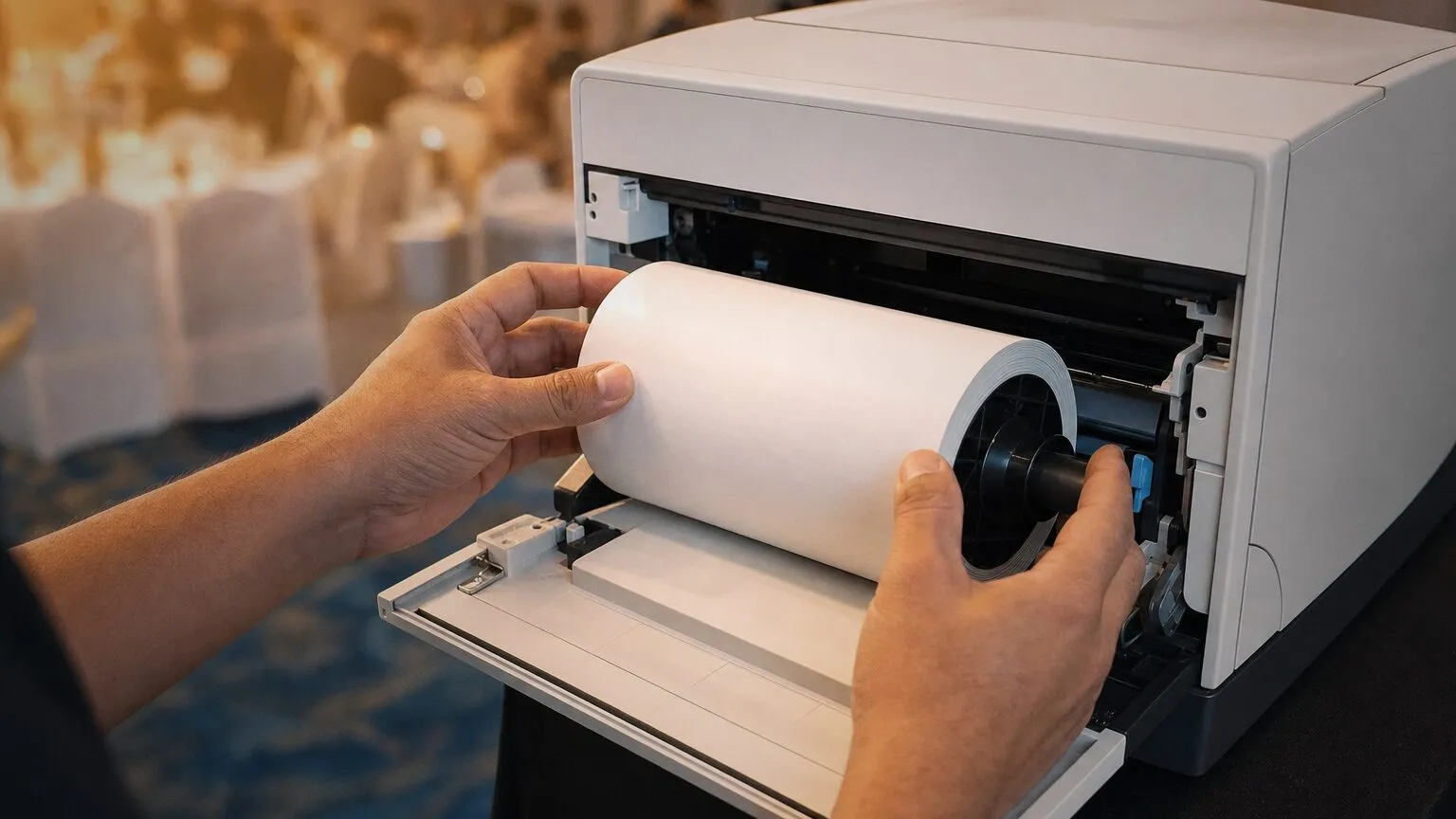
A dye sub printer has no liquid ink and no nozzles. The thermal head is the critical part, and what protects it is simple: genuine media, dust and confetti kept out of the media bay, and a proper case in the van. Reloading is a matched swap of paper and ribbon that DNP designs to run out together, so a box ends clean and the operator is not juggling a spare ribbon with no paper.
Two rules do most of the work. Use original media, because non original paper shows up as colour shift and banding and takes the warranty with it. And store media dry and at room temperature, because a van in August is where heat affects the ribbon. The full kit details per model are on our DNP media page.
When an Inkjet Makes Sense
Inkjet is the right tool for a different job, and saying so is part of choosing well.
Studio and fine art photography. Pigment inkjets offer a wide choice of papers, from matte cotton rag to baryta, and the control over colour that a photographer printing one portrait at a time wants. Nobody is queuing and drying time does not matter.
Large formats. Posters, canvases and wall prints are inkjet territory. Event dye sub printers work from 4x6 up to 6x8, with 6x14 and 6x20 panoramics on the DS620, and a studio or print shop printing at A2 and beyond works on wide format inkjets.
Low volume and occasional use, where the printer sits on a desk and prints when there is time.
When It Does Not
Any live event. Weddings, corporate activations, brand launches and parties all share the same conditions: a queue, a fixed booking window, prints handed over instantly and a printer that travels between jobs. Those conditions favour dye sublimation on every count.
Anyone pricing per print. If you sell print packages, you need a cost per copy that does not move, and only a dye sub kit gives you that.
Operators who travel. A printer that may sit unused for a fortnight and then has to print perfectly on the first copy should not depend on nozzles staying wet.
Choosing the Dye Sub Printer
Once dye sublimation is settled, the choice is about format and load. The DS620 is the fastest and the one that covers 4x6, 5x7 and 6x8. The DS-RX1HS has 700 prints per roll and built in strips for long events. The QW410 weighs 5.9 kg for operators who load the van alone. We compare them in DS620 vs DS-RX1HS and QW410 vs DS620, and against other brands in our best photo booth printer guide and DNP vs Citizen.
The models we fit, with their full specs, are on our DNP photo booth printers page. If you want help matching a printer and media to the events you run, get in touch and tell us the formats you sell.