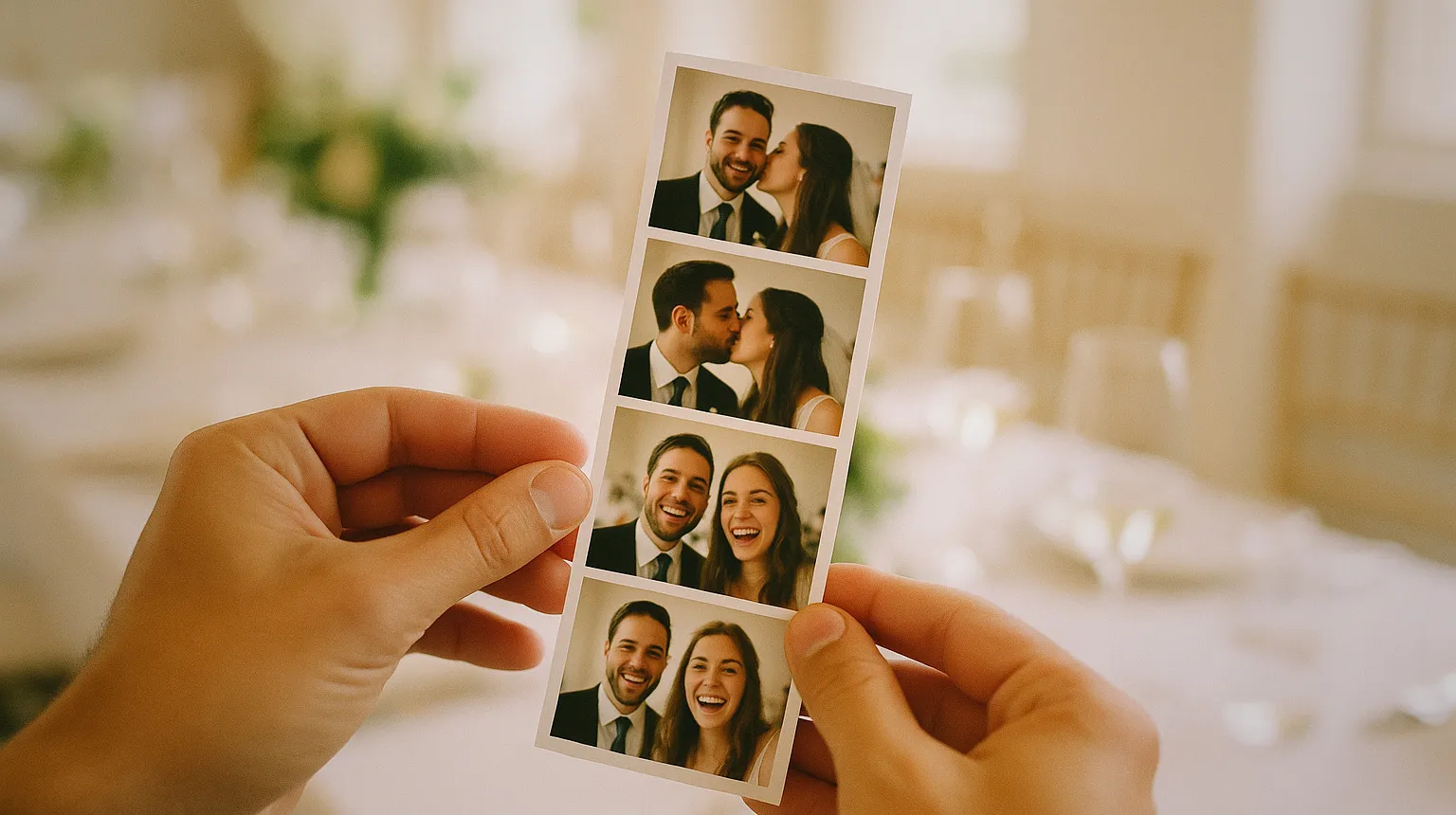
Photo booth templates are the printed or digital frame that wraps every guest photo: the layout, the photo windows and the client’s branding. The standard sizes are the 2x6 strip, the 4x6 postcard and the square, designed at 300 dpi with the background running past the trim. Get those three things right and the rest is design. This guide covers the sizes, the layouts that work in a queue, what goes on the template and how to keep one per client without losing an evening to it every week.
The Three Sizes Every Operator Uses
The 2x6 strip. The format most people picture when they hear the words photo booth. You design it as a 4x6 with two identical strips side by side, and the printer cuts the print in half. One sheet of media, two guests leave with a strip each. That is why strips carry the lowest cost per unit of output on most event printers.
The 4x6 postcard. Portrait or landscape, with one large photo or a grid of two to four. It is the default on every dye sublimation printer and the easiest format to sell to a client who wants a frame on the wall afterwards.
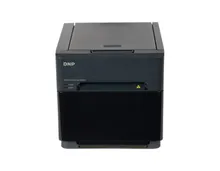
The square. A 6x6 on printers that support it, or a 4x4 on compact machines. It is the format that goes straight to a social feed without cropping, which makes it popular with brand activations. Check what your printer actually cuts before you promise one: the format list differs model to model, and our DNP photo booth printers page has it per machine.
Larger prints like 5x7 and 6x8 exist, and some clients ask for them. They use more media per guest, so they belong on the price list as an upgrade rather than as the default.
Resolution, Bleed and the Safe Zone
Design at 300 dpi at the final print size. For a 4x6 that is 1200 by 1800 pixels, for a 6x6 it is 1800 by 1800. Dye sublimation prints show every soft edge, and a logo pulled from an email signature will look exactly as bad as it is.
Every printer trims a little off the edge, and not always the same amount each time. So the background colour or image runs past the edge of the canvas (the bleed), and everything that matters sits well inside it (the safe zone). Names, dates and logos never touch the border. On a strip, the cut runs down the middle of the 4x6, so the inner edges of both strips need the same margin as the outer ones.
Print a test sheet on the actual machine before the event. Screens lie about colour, and a pale grey hashtag that looks elegant on a monitor can disappear on paper.
How Many Photos per Template
The number of frames decides the speed of your queue, which matters more than most operators admit at the design stage.
- Strip: three or four frames. Four is the classic, three gives bigger faces and a slightly faster session.
- 4x6: one large photo for portraits and groups, two to four for fun layouts.
- Square: one photo, almost always. It is built to be shared, and a grid on a phone screen is unreadable.
At a wedding with two hundred guests and a long line, every extra shot adds a few seconds per session, and over a night that becomes a queue that never clears. At a corporate event with a steady trickle, a four-frame layout costs you nothing.
What Goes on the Template
The photos are the guest’s. The rest of the template is the client’s, and it should say who the event was for and when it happened.
Weddings and private events: names, date and a simple motif that matches the invitations. Ask for the invitation file, because matching the stationery is the detail couples notice.
Corporate events: the client’s logo, the event name and the campaign hashtag. Ask for the logo as a vector or a high resolution PNG on a transparent background, and ask for the brand guidelines. Big companies have rules about logo spacing and colours, and the marketing team will check.
Keep it light. A template where the branding fights the faces is a template guests leave on the table. Leave room for the photos to breathe, and put the logo where it reads without dominating, usually the bottom of a strip or a band along one side of a 4x6.
Printed Template or Digital Overlay
A printed template and a digital overlay do different jobs, so most events need both.
The print is the physical souvenir. It lives on a fridge or in a wallet and does its work for months.
The digital version is what travels. It goes out by QR code, email or text, and it ends up on social feeds, often in a vertical or square format with the branding as an overlay rather than a full frame. For a 360 booth there is no print at all: the template becomes the video overlay and the end card, and it carries the whole brand job on its own.
Design both from the same master file so the fonts and colours match, and set them up in your software as two outputs of the same event.
Save a Template per Client
The operators who do this well keep a master file per layout and a folder per client. When the same company books its summer party and its Christmas party, the second template takes ten minutes because the logo, colours and spacing are already approved.
In practice this lives in your booth software. Snap360App, the software we configure on our machines and free to download and try, keeps templates and overlays per event, so you set up the client once and reuse it. It runs on tablets as an iPad photo booth software setup and on mirror photo booth software setups, and the template logic is the same on both. Whatever you use, name files by client and date, not by “final v3”.
Why the Template Is What Corporate Clients Pay For
A couple books a booth for fun. A company books it as marketing.
When a brand puts a booth at a launch or a trade show, the photos are free advertising: each guest walks out with the logo in their hand and posts it with the hashtag. The template is the only part of the service that carries the brand out of the room, so it is the part the marketing team actually judges, and the reason they pay for it.
That changes how you sell it. Ask for the brand assets up front, send a proof for approval before the event, and make the template a line in your quote rather than a free extra. A client who signs off a proof has already decided your booth is part of their campaign, and that client books again.
The printer is the other half of the result. A vintage cabinet that sells strips, like our vintage photo booth, is usually paired with a high capacity strip printer so the template never stops printing mid queue. If you are planning a setup and want to size the machine, printer and software together, get in touch and we will build it with you.